Understanding the Icons on the Enrollee Profile
Audit Icons
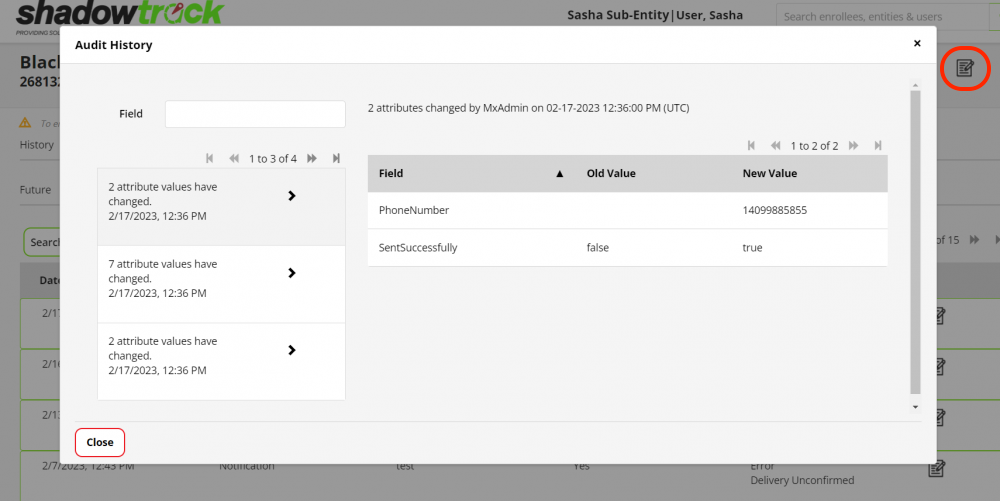
The Audit Icon's allow you access to the audit history for certain fields. There is a main audit on the profile and several others for the following:
- Schedules
- Calendar Appointments
- Enrollee service settings
 .
. Note Icon
The Note Icon indicates when a note has been submitted for a specific field such as Compliance.
Refresh Icon
The Refresh Icon will refresh the information on that page to reflect the most up-to-date information available.

Trash Can Icon
The Trash Icon indicates when information can be deleted. Select the Trash Can Icon to delete the information.
Location Drop Icon
The Location Drop indicates when a location is associated with the information collected, such as an Enrollee Interview or Sobriety Check-in. Select the Location Drop Icon see the location of the Enrollee at the instance where the information was collected.
Related Articles
Audit Logs in the Enrollee's Profile
Audit Logs Clicking the audit icon at the top of the enrollee's account page will bring up an audit of changes and updates for each account. The audit log will only show what, when, and by whom made the change or update. Please take a look at the ...Transferring Enrollee(s), Inmate(s) and User(s) to other Users/Entities
Transferring Profiles in ShadowtrackONE The ShadowtrackONE software allows users to transfer an enrollee/inmate/user from one user/entity to another. All users should be unassigned from the enrollee/inmate before you transfer them to another entity. ...Enrollee's Profile Tab
The Profile tab within the enrollee profile will display information such as Basic Info, Case Details, Enrollment Information and Phone Services. Below are all of the fields displayed in each of these sections and subtabs. Basic Information First, ...Understanding & Exporting an Enrollee's Compliance Report
Understanding & Exporting an Enrollee's Compliance Report The compliance report does not include GPS hardware alarms or GPS location data. The compliance report includes any and all activities related to the EnrolleeApp, Mobile withou App and ...Creating Device Protocols for an Entity
Purpose of Hardware Protocols Any enrollee who is assigned hardware should have a protocol assigned to them A hardware protocol allows you to designate automated steps of action to occur when an alarm is triggered for the hardware. The action steps ...