Light/Dark Mode
ShadowtrackONE has two themes to choose from when viewing and navigating through the platform.
Light Mode
Light Mode is a theme containing a traditional bright white background with black text. The Navigational Menu is bright green with white icons.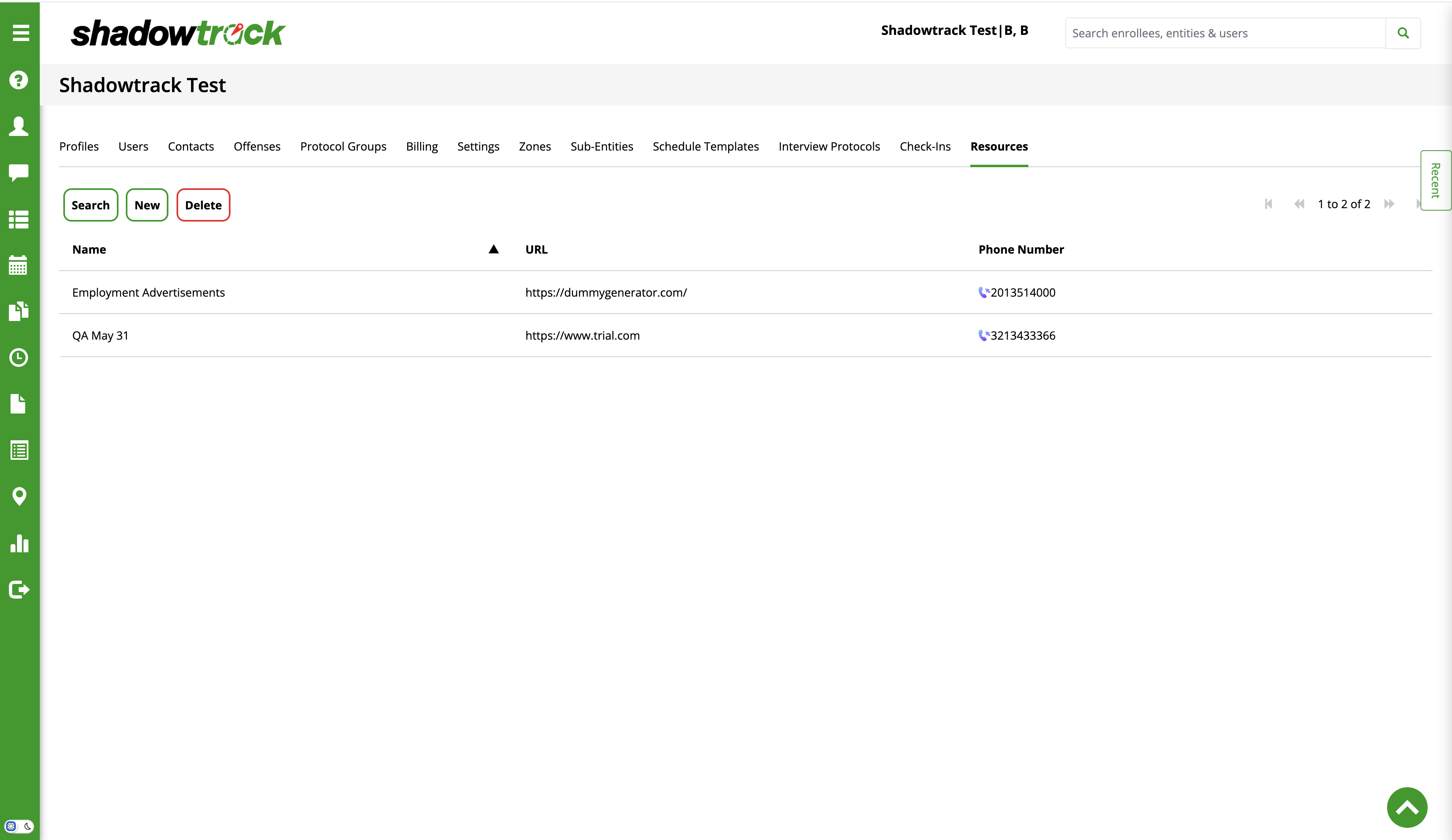
Dark Mode
Dark Mode is an alternate theme containing a dark background with white text. The Navigational Menu is also dark with bright green icons.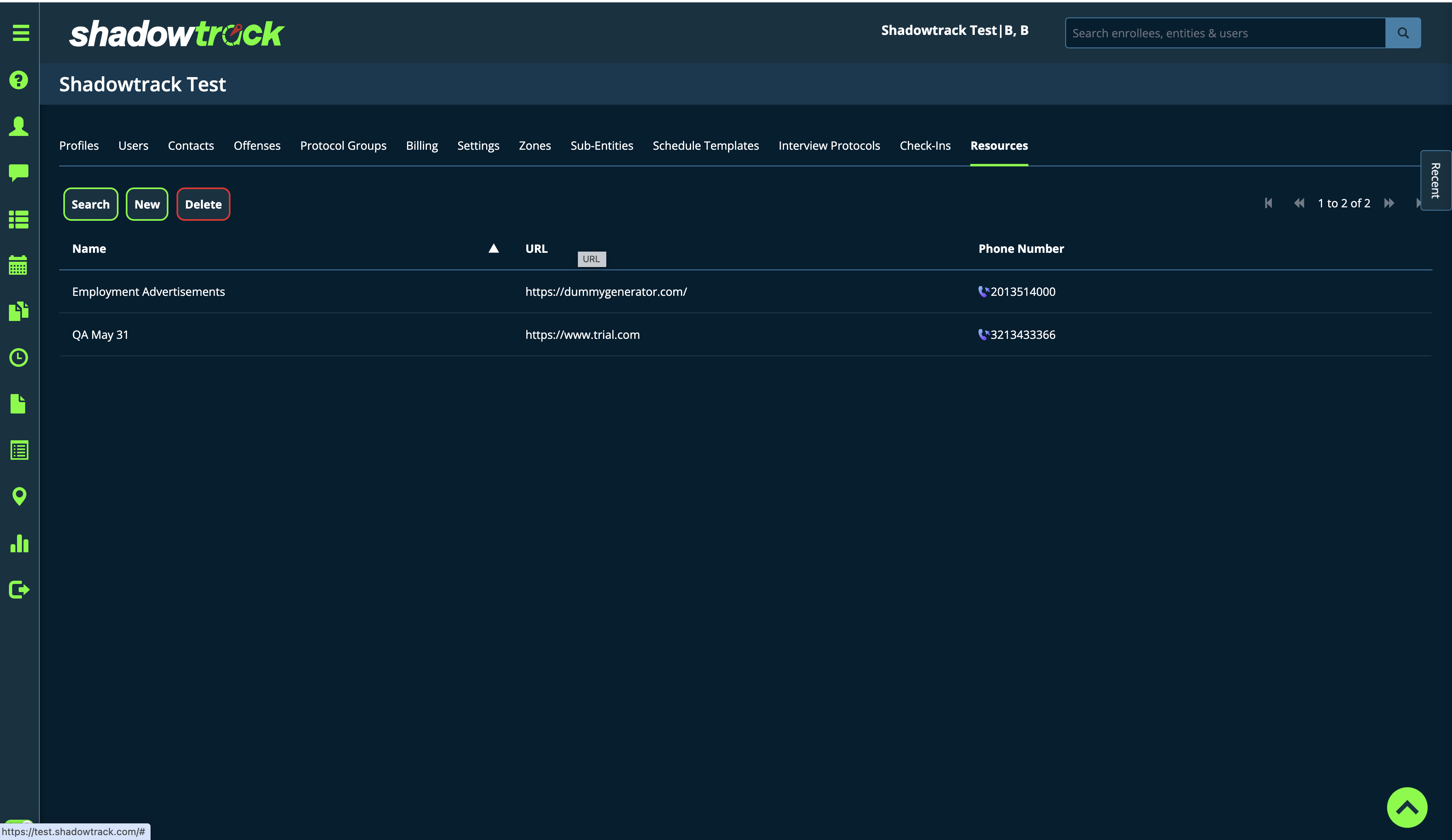

These two themes can be easily switched back and forth by selecting the slider at the bottom of the Navigational Menu. The sun indicates Light Mode and the moon is indicative of Dark Mode.
Related Articles
How to Upload Your Entity's Logo in ShadowtrackONE
Introduction To customize the ShadowtrackONE platform, you can upload a logo for your entity that will replace the default Shadowtrack logo and be displayed in the top left corner of the platform at all times. How to Upload a Logo for Your Entity ...ShadowCuff Pursuit Mode
Pursuit Mode allows for the location frequency of a ShadowCuff to increase to 15-second tracking, allowing officers to receive 4 location points per minute. In the event of someone absconding, Pursuit Mode can be enabled within the platform to allow ...EnrolleeApp Pursuit Mode
EnrolleeApp Pursuit Mode uses Significant Movement to retrieve updated locations from the enrollee's mobile device every 50 meters of movement. These locations are plotted on the map, creating a breadcrumb trail of all locations captured during the ...Application Update Release Date - 07/25/2025
New Features Added the ability to configure an entity’s platform access as Community Only, Institution Only, or Both. Added a schedule template builder for ShadowPass to the Schedules tab, allowing TenantAdmins to create full-day schedules with ...Comprehensive Guide to Sobriety Testing with the EnrolleeApp
The Essential Tool: BACtrack Mobile Pro Device It is crucial to purchase this device prior to your start date and to keep it with you at all times, as sobriety monitoring is a 24/7 commitment. For purchasing options, please click here. If your ...